Fluent Emojis for Byg
Version 0.8.5
Byg-hosted webfont version of Fluent Emoji from Microsoft.
NOTE: Byg does NOT host TTF files due to size. If you want to use TTF files, download them directly from this repo.
Description
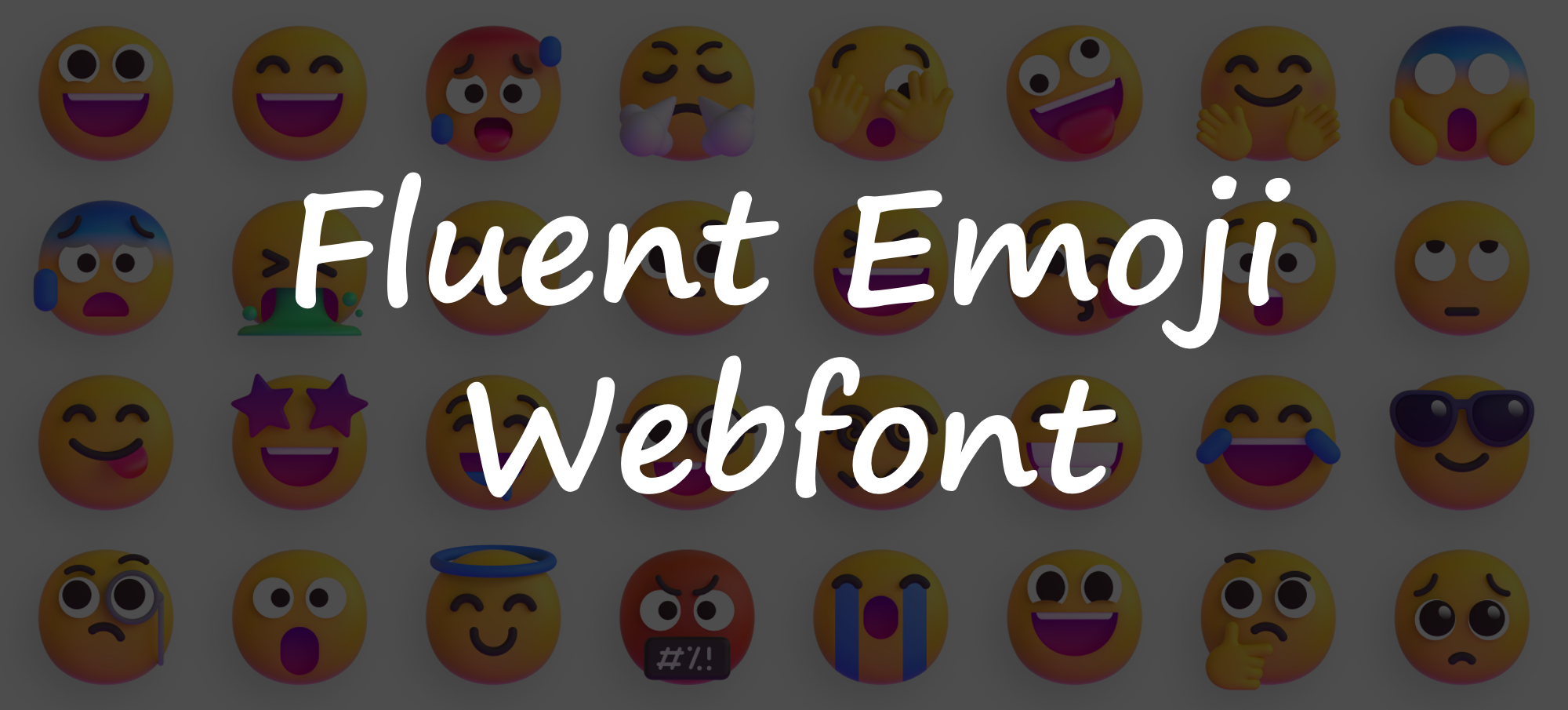
This repository supplies Webfont version of Fluent Emoji from Microsoft.
By using this, You can use Fluent Emoji anywhere/anytime with any device (even with a non-Windows device)!
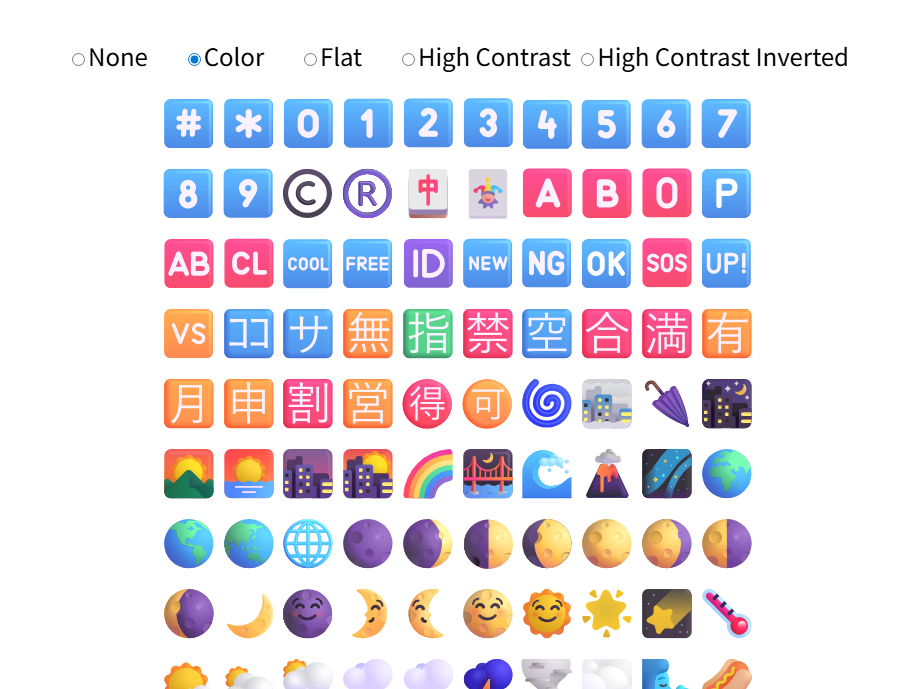
Here you can choose one of three types of Fluent Emoji.
Fluent Emoji Color
Fluent Emoji Flat
Fluent Emoji High Contrast
Fluent Emoji High Contrast Inverted
Now, there are .woff2 and .ttf fonts in this repository.
Samples
How to use
General usage
Add @import url('***.css') and font-family in your .css file as below:
@import url('https://emojis.byg.a35.dev/FluentEmojiColor.css');

html, body {
  font-family: 'Fluent Emoji Color', sans-serif;
}
Here are the other options for font-family:
Fluent Emoji FlatFluent Emoji High ContrastFluent Emoji High Contrast Inverted
Note: The font might take a long time to load, so if it does not work, try reloading it in your browser.
You can also use these fonts in a web-based coding site like OpenProcessing.
See the samples below:
TTF usage
Download the .ttf files from the dist folder in this repo.
Maintenance
Suggested IDE: PyCharm Professional 2025–2026.
fluent-emoji submodule
A fixed version of fluent-emoji submodule is used for this build. You can update the submodule as below:
$ git submodule update --remote
Submodule path 'fluentui-emoji': checked out '62ecdc0d7ca5c6df32148c169556bc8d3782fca4'
Then, commit the change after git processing (a few minutes).
Build
Web Open Font Format2.0(*.woff2)
Execute build_woff2.sh with an fontType option.
./build_woff2.sh color
- Options:
color,flat,hcforHigh Contrastandhc-invforHigh Contrast Inverted
Then, you can get FluentEmoji***NNN.woff2 files and a FluentEmoji***.css file after long (about half an hour) time build.
TrueType Font(*.ttf)
Execute build_ttf.sh with an fontType option.
./build_ttf.sh color
- Options:
color,flat,hcforHigh Contrastandhc-invforHigh Contrast Inverted
Then, you can get a FluentEmoji***.ttf files after long (about half an hour) time build.
Via GitHub Actions
Now we can build with GitHub Actions! Access the build workflow page and press Run workflow buttton with any Font Format/Font Type as you like. Built artifact will be attached in the result page as a Font zip file.
[!IMPORTANT] For only making
colorttf font, Please selectmacos-latestinruns-onproperty. Otherwise, it fails due to the time restriction (6 hours) of GitHub Actions. If fails even with themacos-latestsetting, execute twice. The second time the cache will be used and the job time will be reduced.
Test/Confirm
Local test
Before a release, you can test with a local server by executing the commands below:
$ chmod 777 ./test/confirmDist/prepare.sh
$ ./test/confirmDist/prepare.sh
Test folders tmp-ttf and tmp-woff2 under ./test/confirmDist/ will be made. These folders have two samples refering to the fonts in dist folder. Then, launch the index.html with liveServer in Visual Studio Code.
Listing emojis
Check the result with the Listing emoji sample.
You can also update the JS list file sample/list/glyphs.js with the command below:
python makelist.py
Author
Tetsunori Nakayama, adapted and hosted by Byg.
References
fluentui-emoji
- All the SVG font assets and other images. (Huge thanks and 💕 to Microsoft !!): fluentui-emoji by microsoft. MIT License.
- Conversion scripts: fluent-color-emoji by GCMarvin. The Unlicense.